Bug or crash?
Shake your phone while Outpost Go is open, or open Profile and tap Submit a Bug near the bottom.
See bug stepsNeed help with Outpost Go? We’re here to help with trip planning, shared timelines, Live Activities, subscriptions, and bug reports.
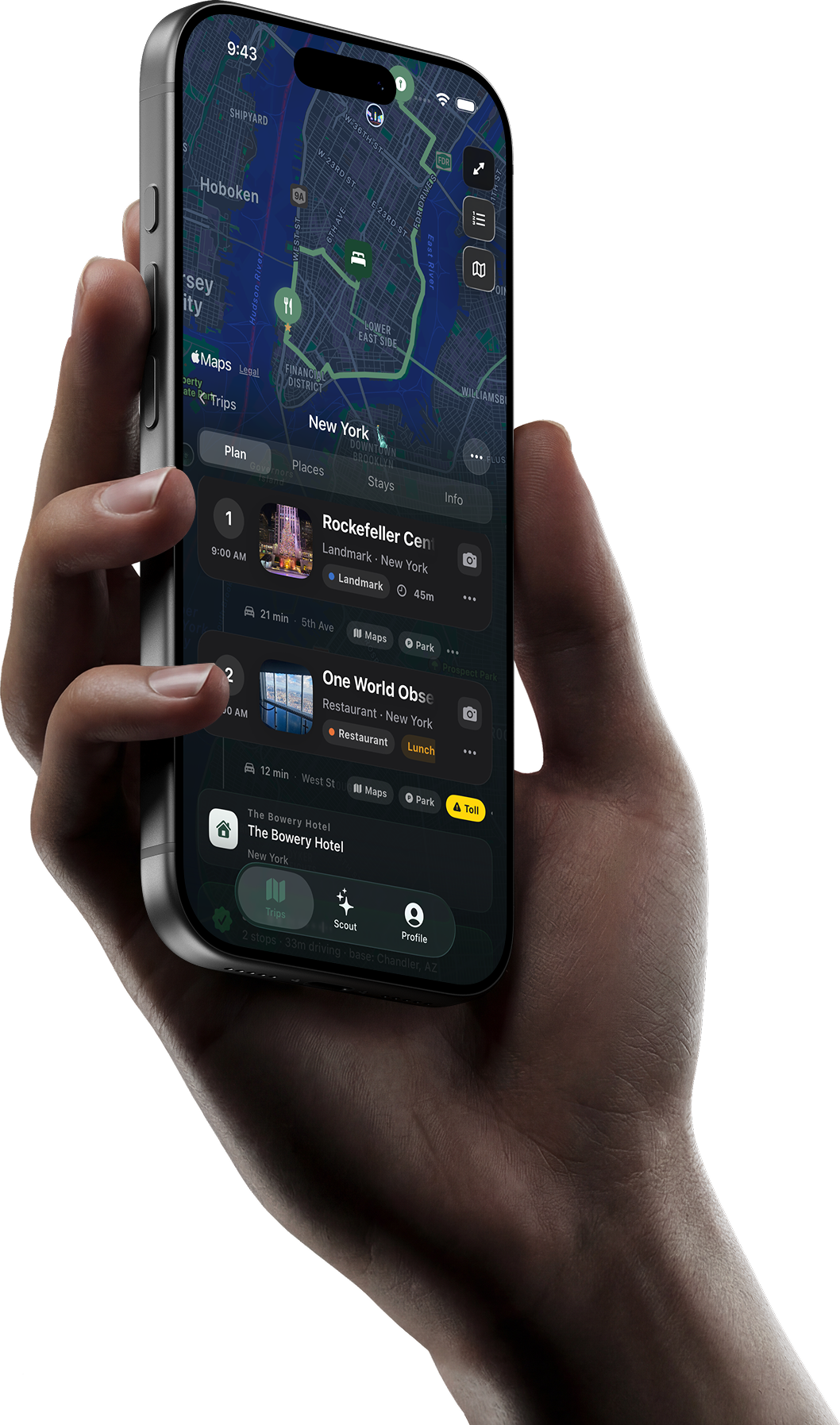
Shake your phone in the app, or go to Profile, scroll down, and tap Submit a Bug.
Use the path that fits your issue best. Bug reports from inside the app are best because they can include helpful app context.
Shake your phone while Outpost Go is open, or open Profile and tap Submit a Bug near the bottom.
See bug stepsEmail us with the Apple ID email you used for purchase if you are comfortable sharing it, plus a short description of the issue.
Email supportTell us what you were trying to do, what felt confusing, and what would make the trip planning flow better.
Send feedbackThe fastest method is inside the app. It helps us understand where the issue happened, especially for trip sharing, Scout answers, Live Activities, and timeline problems.
Open Outpost Go and shake your iPhone to start a bug report.
Go to Profile, scroll down, and tap Submit a Bug.
Include what you expected, what actually happened, and the trip or screen where it occurred.
Screenshots or screen recordings make it much easier for us to fix the issue quickly.
Quick answers for the most common Outpost Go support topics.
Shake your phone while the app is open, or go to Profile, scroll down, and tap Submit a Bug. Add the screen name, what you expected, what happened, and any screenshots or recordings.
Make sure both people are signed in, connected to the internet, and using the latest App Store version. If the trip still does not sync, submit a bug from the affected trip and include the invited person’s email if possible.
Some saved trip details can remain available offline. Features that need live data, account sync, Scout answers, map search, shared updates, or current prices may require an internet connection.
Check that Live Activities are allowed for Outpost Go in iOS Settings, notifications are enabled, and your trip has an active route or live mode session. If it still does not appear, restart the app and report a bug.
Subscriptions and purchases are managed through Apple. To manage or cancel, open iPhone Settings, tap your Apple ID, then Subscriptions. For billing issues, Apple handles refunds and purchase management.
Yes. Outpost Go is built for trips with multiple legs, like flying into a city and then driving to hotels, restaurants, or activities. You can edit trip details and transportation choices inside the trip plan.
Include your device model, iOS version, Outpost Go app version, a short description of the issue, steps to reproduce it, and screenshots or screen recordings when available.
Send it here and it lands straight in support — questions, account issues, subscriptions and feedback all welcome. Prefer email? support@astyne.com reaches the same place.